IPS vs OLED for Gaming: Is OLED Worth the Burn-In Risk?
OLED has deeper blacks; IPS has no OLED-style burn-in. Here is which panel suits how you play, and what three manufacturers' warranty pages say about burn-in.
QUEST LOG 11 STEPS
MISSION BRIEFINGOLED has deeper blacks; IPS has no OLED-style burn-in. Here is which panel suits how you play, and what three manufacturers' warranty pages say about burn-in.
This article contains affiliate links.
Choose OLED for contrast and motion if your content varies and the written warranty names burn-in; choose IPS for static desktop work and lower long-term risk. The trade-off is not a universal winner, and we give no lifespan figure.
Based on manufacturer warranty pages and RTINGS and TFTCentral pages read on October 27, 2026. Not a NexaRig hands-on test.
| You play | Pick | Why |
|---|---|---|
| Varied content, in a dim room | OLED, if burn-in is named in the warranty | Deeper blacks, fast response |
| A fixed HUD or taskbar for hours | IPS | No OLED-style burn-in |
IPS vs OLED for gaming in plain terms
An IPS panel is an LCD: a backlight shines through liquid crystals. An OLED panel lights each pixel itself, so a black pixel can switch off entirely. That is why OLED blacks look deeper and why OLED pixels can wear unevenly, which is the root of burn-in. QD-OLED adds a quantum-dot layer for color and carries the same burn-in question. Mini LED monitors are LCDs whose backlight is split into dimming zones.
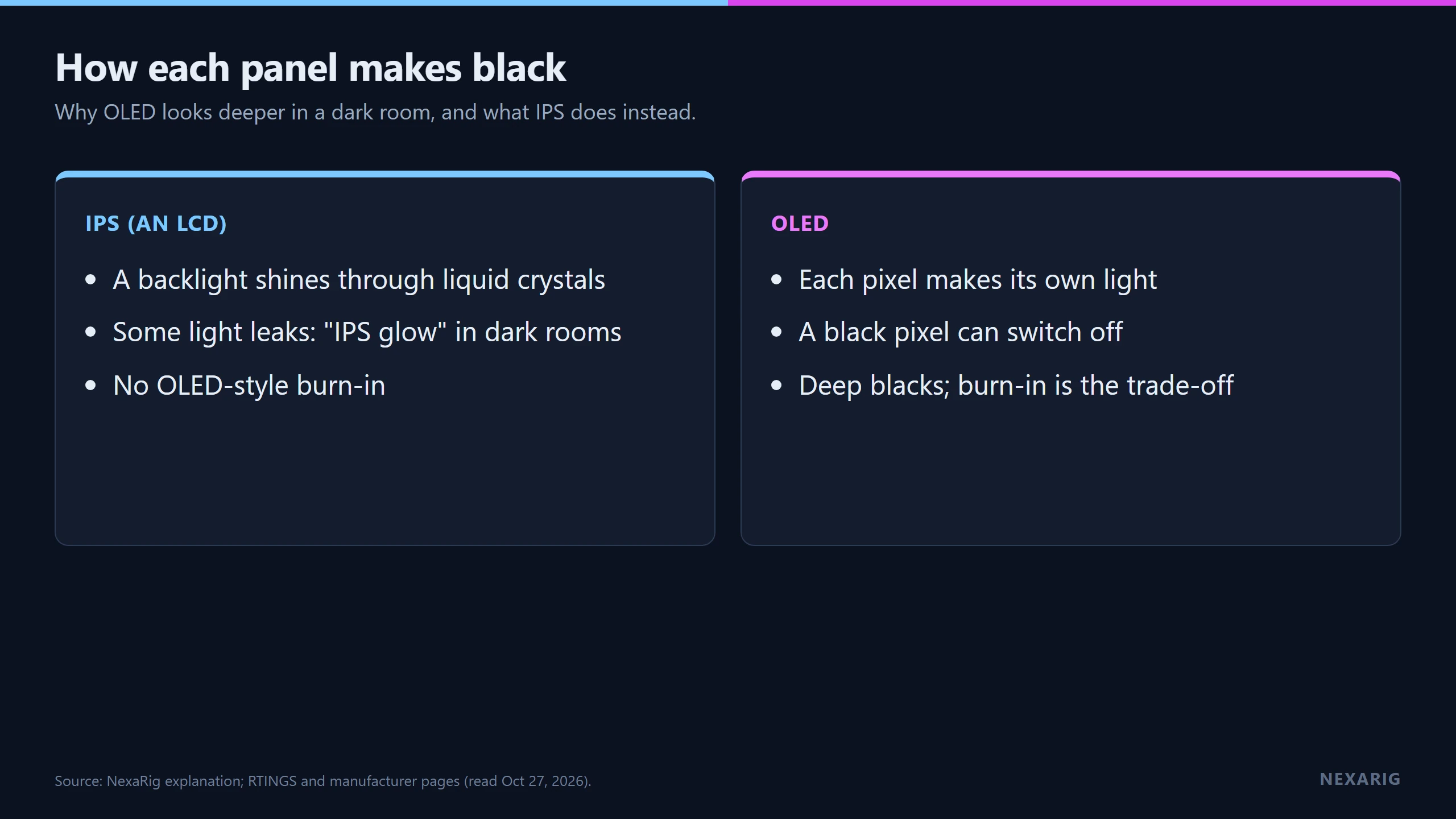
Drawn by NexaRig; RTINGS and manufacturer pages read Oct 27, 2026.
| IPS | OLED | |
|---|---|---|
| Blacks and contrast | Backlight leaks, "IPS glow" in dark rooms | Pixels switch off, deep blacks |
| Burn-in risk | None in the OLED sense | Real, depends on use |
| Total response time (RTINGS) | 7.1 ms, Dell SE2426HGS (240 Hz) | 0.6 ms, ASUS PG32UCDM Gen3 (240 Hz OLED) |
| Warranty question | Standard terms | Check that burn-in is named |
The response-time row comes from one RTINGS comparison of two 240 Hz screens that are not our examples below. It shows a gap, not a rule. The rest are general characteristics.
- Text: some OLED sub-pixel layouts can fringe small text. The specialist site pcmonitors.info (updated August 6, 2026) describes this on QD-OLED triad and WOLED RWBG layouts and says newer layouts reduce it.
- Response claims: GtG (gray-to-gray) is the time a pixel takes to change between shades; MPRT (moving picture response time) estimates perceived motion blur. Each brand picks its own method, so compare only lab-measured figures.
Burn-in vs image retention
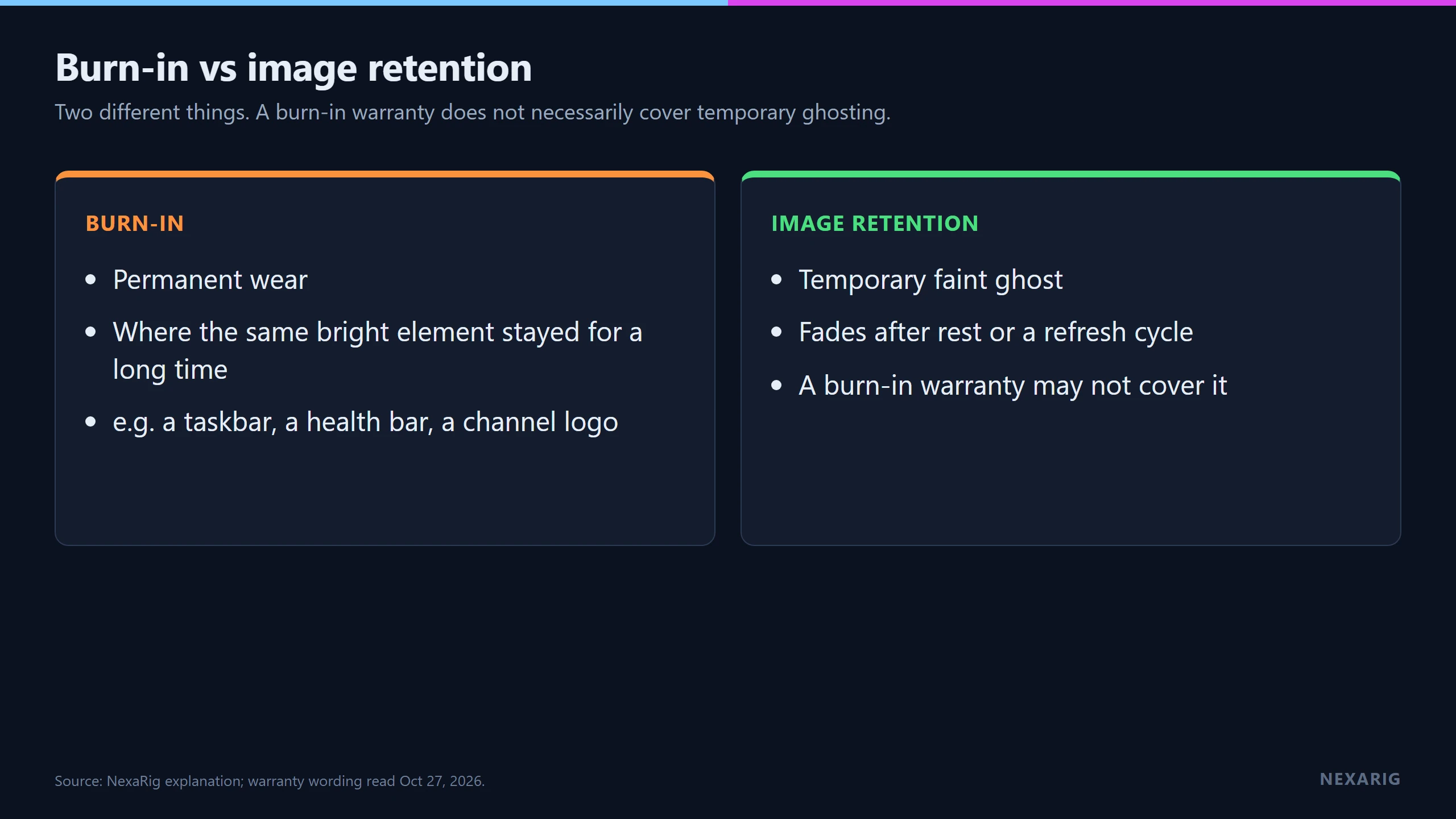
Burn-in is permanent wear where the screen showed the same bright element for a long time, such as a taskbar, health bar or channel logo. Image retention is a temporary faint ghost that disappears after the panel rests or runs a refresh cycle. A warranty that covers "burn-in" does not necessarily cover every ghost image, so read the exact word.
Drawn by NexaRig; warranty wording read Oct 27, 2026.
What long-term testing shows
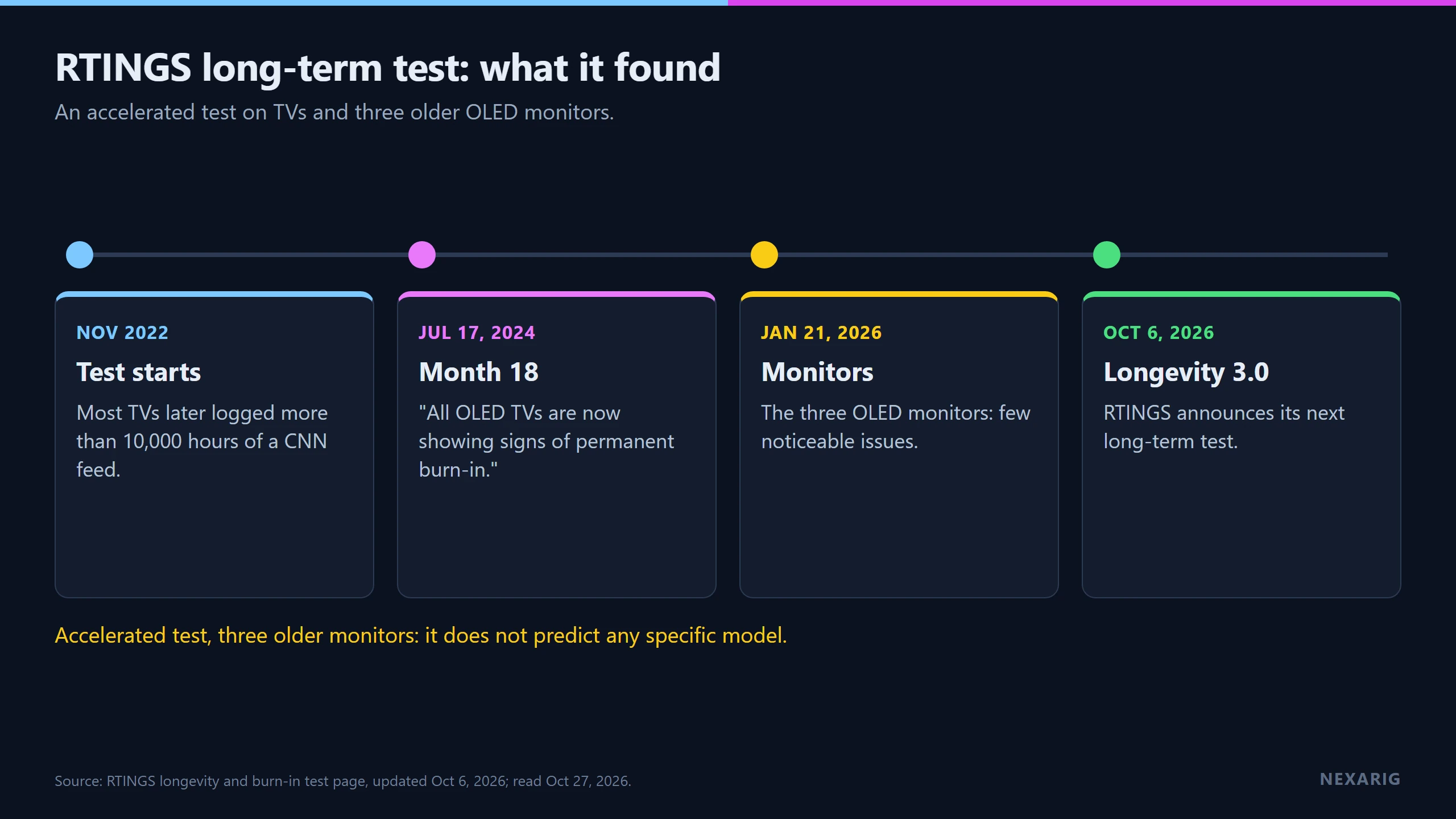
RTINGS's accelerated test began in November 2022; most TVs have logged more than 10,000 hours of a CNN feed (page updated October 6, 2026). RTINGS says in a reply that OLED monitors use the same settings as its TVs: maximum SDR brightness, all burn-in protections on.
Drawn by NexaRig from RTINGS's longevity test page (updated Oct 6, 2026).
- TVs: RTINGS wrote "All OLED TVs are now showing signs of permanent burn-in" at month 18.
- Three OLED monitors (Alienware AW3423DWF, Samsung Odyssey OLED G8, LG 27GR95QE-B): the banner was faint at month 18, later visible only on test patterns. The January 21, 2026 update says they "continue to perform well on this test, with few noticeable issues."
The limits: an accelerated test, three monitors from 2022-2023, no prediction for any specific model, and Longevity 3.0 may change the picture. We did not repeat it.
In real use (our reading, not an RTINGS claim):
- A fixed HUD or taskbar is the same kind of static element as the test's banner.
- A static desktop with many fixed windows is a high-risk daily pattern; varied content spreads the wear.
- Keep the pixel or image-retention refresh routine on, if there is one. Corsair names its "orbit and image retention refresh options," and its cover applies "if you use" them.
Burn-in warranties: the pages we read
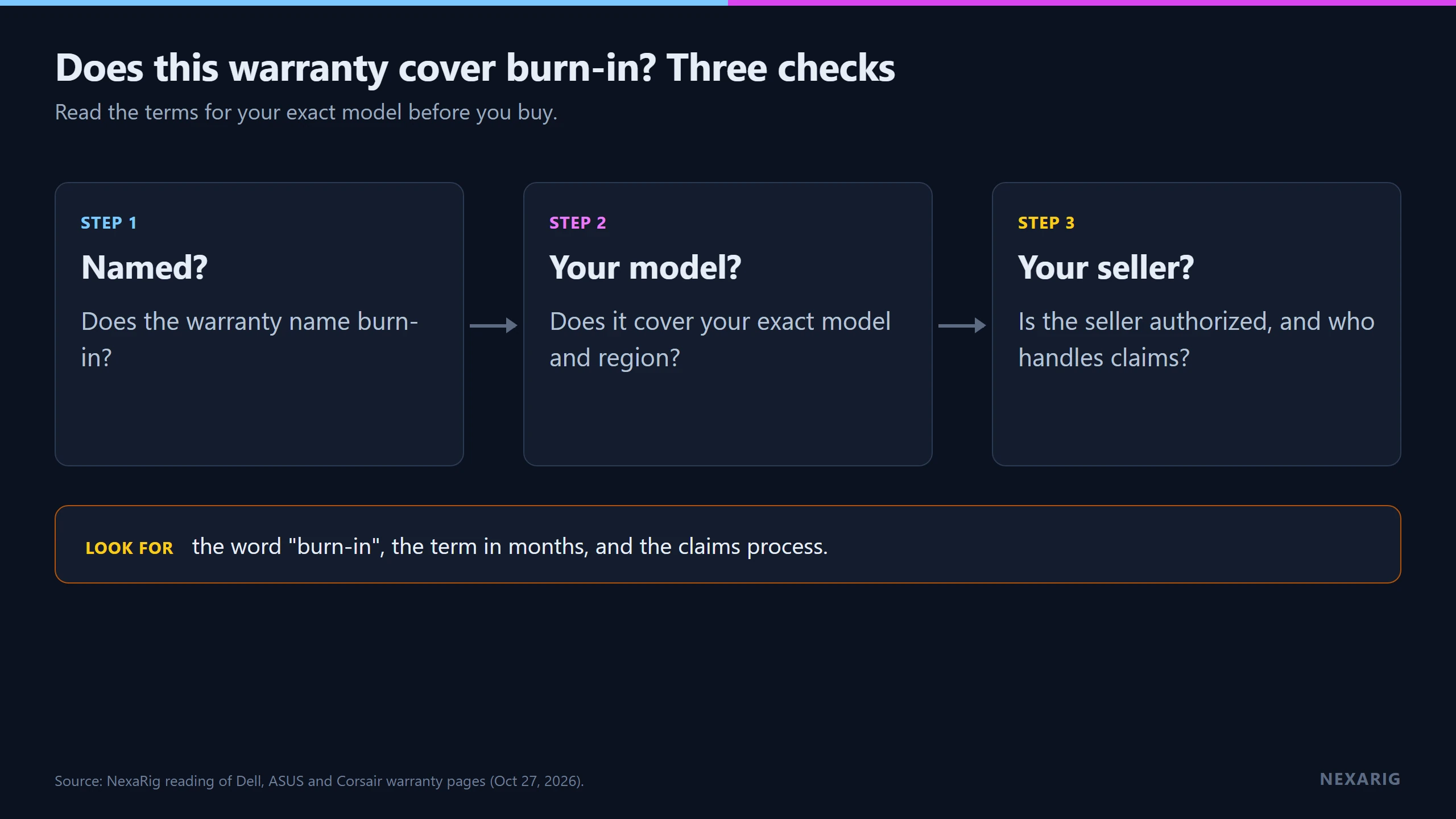
If you remember one thing: a warranty helps only if it names burn-in, covers your exact model and region, and the seller honors it.
Drawn by NexaRig from Dell, ASUS and Corsair warranty pages (Oct 27, 2026).
All pages below were read on October 27, 2026. We read only Dell/Alienware, ASUS and Corsair, so this is a sample, not a market survey. We did not read LG's U.S. warranty page, and MSI's and Gigabyte's pages refused access.
| Brand | Names burn-in? | Term | Conditions |
|---|---|---|---|
| Dell / Alienware (QD-OLED) | Yes: cover "includes burn-in" | 3-year maximum; RTINGS says Dell announces three years for the AW2726DM | Premium Panel Exchange is a pixel-defect policy, not a burn-in clause. No purchase-channel condition or model list stated |
| ASUS (OLED) | Yes for the PG32UCDM; not stated for other models | FAQ: PG32UCDM 36 months ("including panel burn-in"), other unlisted models "start to apply 36 months warranty", 11 listed models 24 months. TFTCentral's UK review of the PG27UCDM: "Asus include a 3 year warranty with the monitor, including burn-in cover" | FAQ names no burn-in conditions; a unit labeled "two-year warranty" is still covered for three years. ASUS's U.S. store shows a 2-year badge for the PG32UCDM. May vary by region; FAQ updated Oct 13, 2026 |
| Corsair (XENEON OLED) | Yes, if you use the protection options | "three-year warranty for any image retention or burn-in" | Undated support article, not model-specific |
Read the fine print: a table cannot replace the warranty document for your model and country. Look for the word "burn-in", the term in months, who handles claims, and whether the seller is authorized. Dell's policy is general, so a specific model may differ.
Which one fits you?
| You play... | Pick | Why | Trade-off |
|---|---|---|---|
| Many hours a day with a fixed HUD, taskbar open | IPS | No OLED-style burn-in | Weaker blacks |
| A mix of games, movies and varied content, in a dim room | OLED, if burn-in is named in the warranty | Contrast is the clearest gain | Burn-in risk remains after the warranty ends |
| Work and gaming on one screen, lots of static windows | IPS | Static desktop elements are the classic risk | Less striking image |
| Tight budget | IPS | Our editorial view: spend on size and refresh rate first | Gives up OLED contrast |
Our take: OLED is worth considering, not pushing. A written burn-in clause is a plus, but only for the term and model it names. For the other specs to check (resolution, refresh rate, ports), see our guide to choosing a gaming monitor.
Who should skip OLED

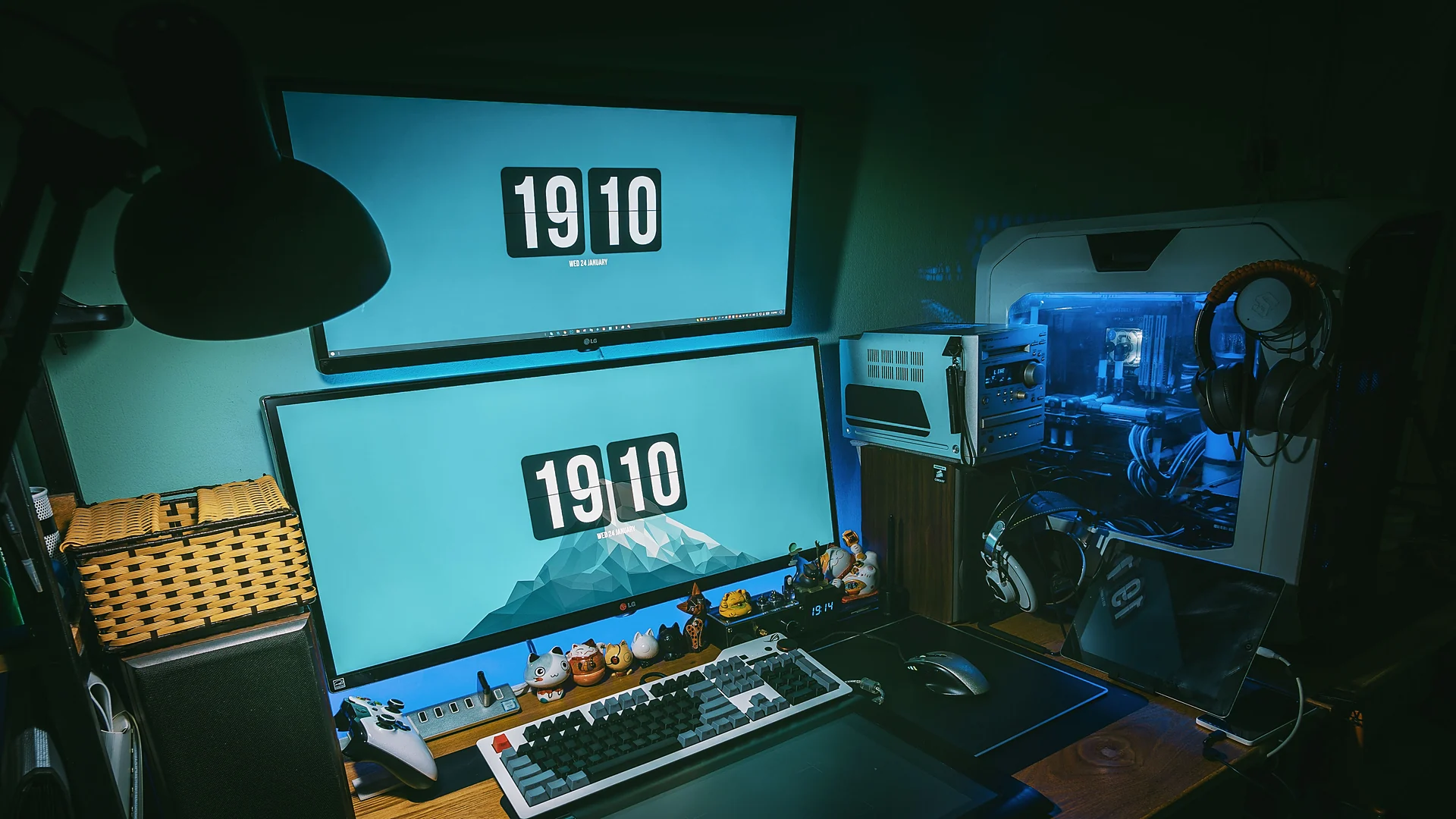
A bright window behind or beside the screen is the hard case for any panel. Photo: Maksim Dyachuk / Pexels (cropped by NexaRig)
- You leave the same window open for hours every day.
- You cannot confirm the seller provides the manufacturer warranty.
- Your decision rests on the warranty alone and you have not read it for your model and country.
If you are still planning the rest of the desk, our budget gaming setup guide puts monitor spend in context.
Two examples to compare on Amazon
Both are 27-inch-class 1440p gaming monitors, so you can compare panel behavior directly. We compare panel behavior, not value; no prices were checked, so compare current listings.
| Alienware AW2726DM (OLED) | ASUS ROG Strix XG27ACS (IPS) | |
|---|---|---|
| Panel | QD-OLED, 240 Hz, 26.5-inch panel | 27-inch, 1440p, IPS, 180 Hz (per RTINGS) |
| RTINGS verdict for PC gaming | "excellent" (reviewed May 12, 2026) | "decent" (reviewed Oct 4, 2024) |
| Strength | Near-instant response time | All common VRR formats, sharp motion, low input lag (RTINGS) |
| Weak points (RTINGS) | Purplish blacks in a bright room, limited brightness, low-bandwidth ports | Low contrast, no local dimming, weak HDR |
| Ports | Dell lists HDMI up to 1440p at 120 Hz; 240 Hz over DisplayPort only | Not checked |
| Burn-in | RTINGS says Dell announces a three-year burn-in warranty; confirm with the seller | No OLED-style burn-in risk; we make no claim about its lifespan |
How we researched this
This is an Analysis, not a hands-on test. On October 27, 2026, we read the manufacturer pages, the RTINGS test and review pages and one TFTCentral review listed under Sources. RTINGS and TFTCentral both say they earn affiliate commissions; RTINGS's member-only data was not read. We did not read LG's U.S. page and could not open MSI's or Gigabyte's. We did not buy or test any panel.
FAQ
Does an OLED monitor warranty cover burn-in?
Sometimes. ASUS says 24 or 36 months depending on the model, Dell says its QD-OLED cover includes burn-in up to 3 years, and Corsair says 3 years if you use its protection options. Read the page for your exact model and country.
What is the difference between burn-in and image retention?
Burn-in is permanent. Image retention is a temporary ghost image that fades. A warranty for "burn-in" does not necessarily cover temporary ghosting.
Does buying from Amazon keep the manufacturer warranty?
Not necessarily. We could not confirm whether any brand ties cover to the seller, so check that the seller is authorized and that the listing states the manufacturer warranty.
Is OLED worth it for gaming?
It can be, if you play varied content and the written cover names burn-in. It is not worth it if you leave static elements on screen for hours daily.
Limitations and points to verify
- Warranty terms change; ASUS's FAQ was updated on October 13, 2026.
- Dell's policy is general, not model by model; Corsair's article is undated; TFTCentral is a UK review.
- RTINGS's test covers three older monitors under accelerated conditions, and Longevity 3.0 may update it.
- Prices and stock are not listed; check them yourself.
Sources
- ASUS, "Warranty for OLED monitors" FAQ 1051914 (support/faq/1051914), updated Oct 13, 2026, accessed Oct 27, 2026.
- Dell, Alienware Monitor Support Services page, undated, accessed Oct 27, 2026.
- Dell, Premium Support for Monitors page, undated, accessed Oct 27, 2026.
- Corsair, "Should I be concerned about burn-in on my Corsair OLED monitor?" (support article), undated, accessed Oct 27, 2026.
- ASUS ROG, PG32UCDM tech specs, undated, accessed Oct 27, 2026.
- ASUS eShop (U.S.), PG32UCDM product page, accessed Oct 27, 2026.
- TFTCentral, ASUS ROG Swift PG27UCDM review, published Jan 2, 2025, accessed Oct 27, 2026: https://tftcentral.co.uk/reviews/asus-rog-swift-pg27ucdm
- Amazon U.S. listings for the Alienware AW2726DM (ASIN B0GYG3VLMR) and the ASUS ROG Strix XG27ACS (ASIN B0CV24GQ9W), titles read Oct 27, 2026; used to confirm the models only, not their specs, seller or warranty.
- pcmonitors.info (Adam Simmons), "QD-OLED and WOLED Fringing Issues," updated Aug 6, 2026, accessed Oct 26, 2026.
- RTINGS, longevity and burn-in test updates and results (Adam Babcock), updated Oct 6, 2026, accessed Oct 27, 2026: https://www.rtings.com/tv/tests/longevity-burn-in-test-updates-and-results
- RTINGS, Dell Alienware AW2726DM review, reviewed May 12, 2026, bench updated Oct 5, 2026, accessed Oct 27, 2026: https://www.rtings.com/monitor/reviews/dell/alienware-aw2726dm
- RTINGS, ASUS ROG Strix XG27ACS review, reviewed Oct 4, 2024, bench updated Oct 7, 2026, accessed Oct 27, 2026: https://www.rtings.com/monitor/reviews/asus/rog-strix-xg27acs
- RTINGS, "The 6 Best Monitors For PS5/PS5 Pro of 2026" (Nicholas Di Giovanni), updated Oct 14, 2026, accessed Oct 27, 2026: https://www.rtings.com/monitor/reviews/best/ps5 (used for the XG27ACS HDR and contrast notes).
- RTINGS, "Monitor Refresh Rate: Does It Matter?" (Nicholas Di Giovanni), updated Sep 15, 2026, accessed Oct 27, 2026: https://www.rtings.com/monitor/learn/monitor-refresh-rate-does-it-matter (total response time, PG32UCDM Gen3 vs SE2426HGS).
- Dell, Alienware 27 240Hz QD-OLED Gaming Monitor AW2726DM product page (U.S.), undated, accessed Oct 27, 2026: https://www.dell.com/en-us/shop/alienware-27-240hz-qd-oled-gaming-monitor-aw2726dm/apd/210-bvrc/monitors-monitor-accessories
This article is based on sourced research, without direct testing by NexaRig. How NexaRig labels its articles.
NEXT // CONTINUE YOUR RUN