
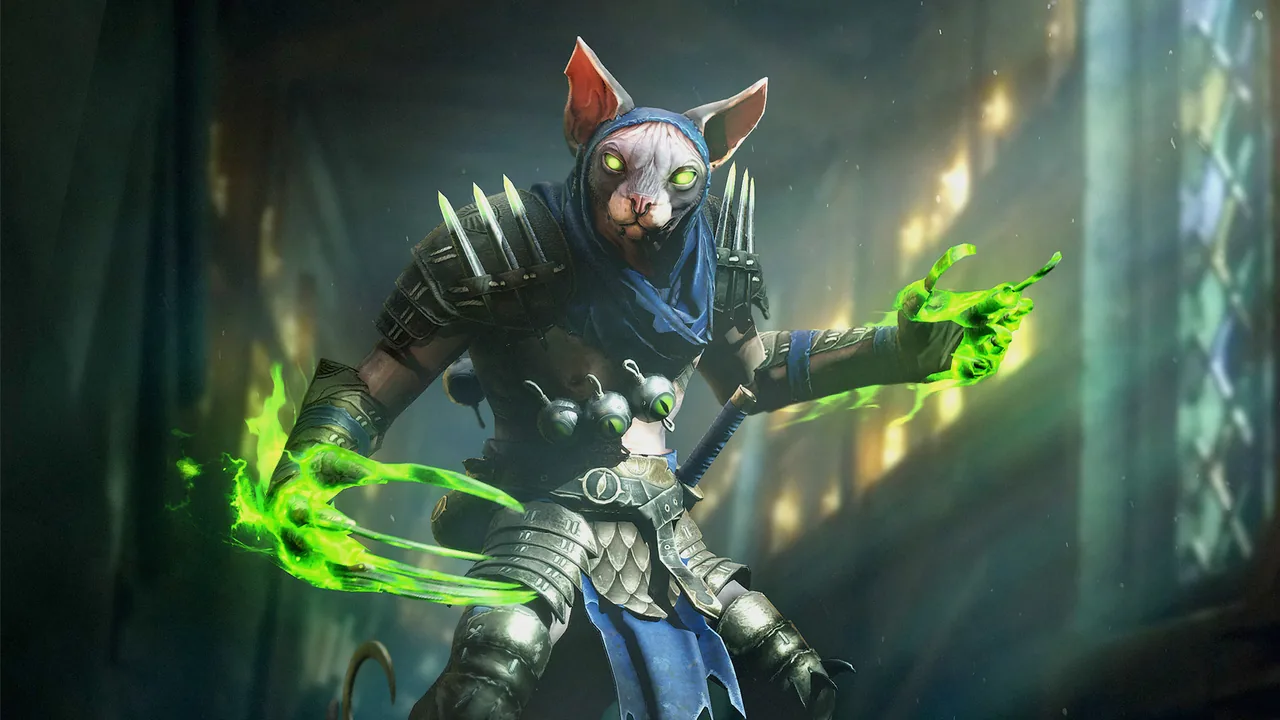
RAID: Shadow Legends PC Download: Free Windows Install, Step by Step
Get and install RAID: Shadow Legends on Windows in four steps, with what your PC needs and what is free and what is not, before you click.
QUEST LOG 10 STEPS
MISSION BRIEFINGGet and install RAID: Shadow Legends on Windows in four steps, with what your PC needs and what is free and what is not, before you click.
Free to play · Windows PC · Plarium Play launcher · Turn-based RPG
Looking for the RAID: Shadow Legends download for PC? Good news: it is free to install on Windows, and the button on this page opens the tracked RAID offer for Windows. Below you will find the four steps, what your PC needs, and what free does and does not cover. This is an independent guide, not affiliated with Plarium.
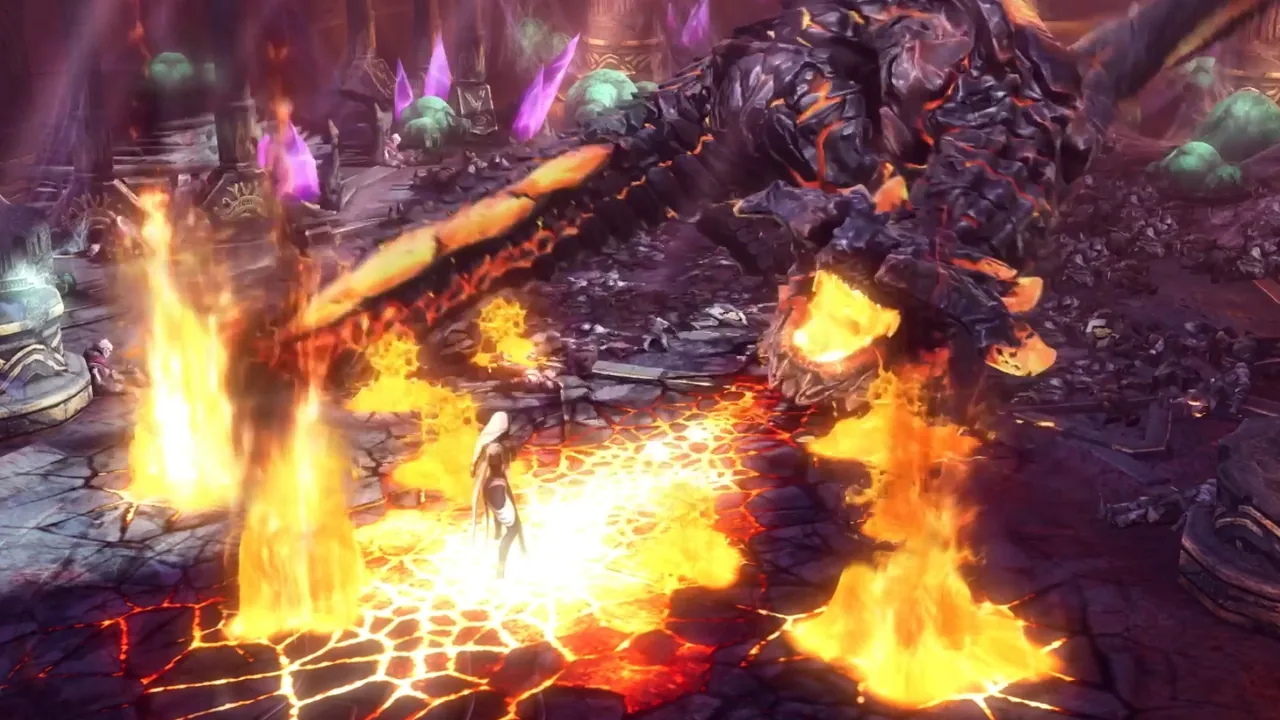
Official Plarium promo footage, not a NexaRig capture. It may differ from actual play.
RAID PC download in 30 seconds
- What you get: a turn-based fantasy RPG where you collect Champions from a roster of 900+ (according to Plarium), build a squad and win by planning rather than reflexes.
- Price: free to play. Optional in-game purchases exist, and they include random items.
- Your PC: Windows 10 version 21H1 or newer and 8 GB of RAM, among other items listed below.
- On your phone? Open this page on your Windows PC to install.
Based on official Plarium pages and store listings checked on October 10, 2026. Not a NexaRig hands-on test.
How to download and install RAID on Windows
- Click download. The button opens the tracked RAID offer for Windows. Before installing, verify that the final page is hosted on a Plarium-controlled domain.
- Run the installer. Install Plarium Play and open it. If a warning appears during installation, Plarium suggests checking your antivirus settings.
- Log in, then Install. Plarium's support describes this path for an existing Plarium ID: select Log in, enter your email, select Next, enter your password, then open RAID's Read more menu and select Install.
- Launch RAID. Start the game and begin collecting Champions.
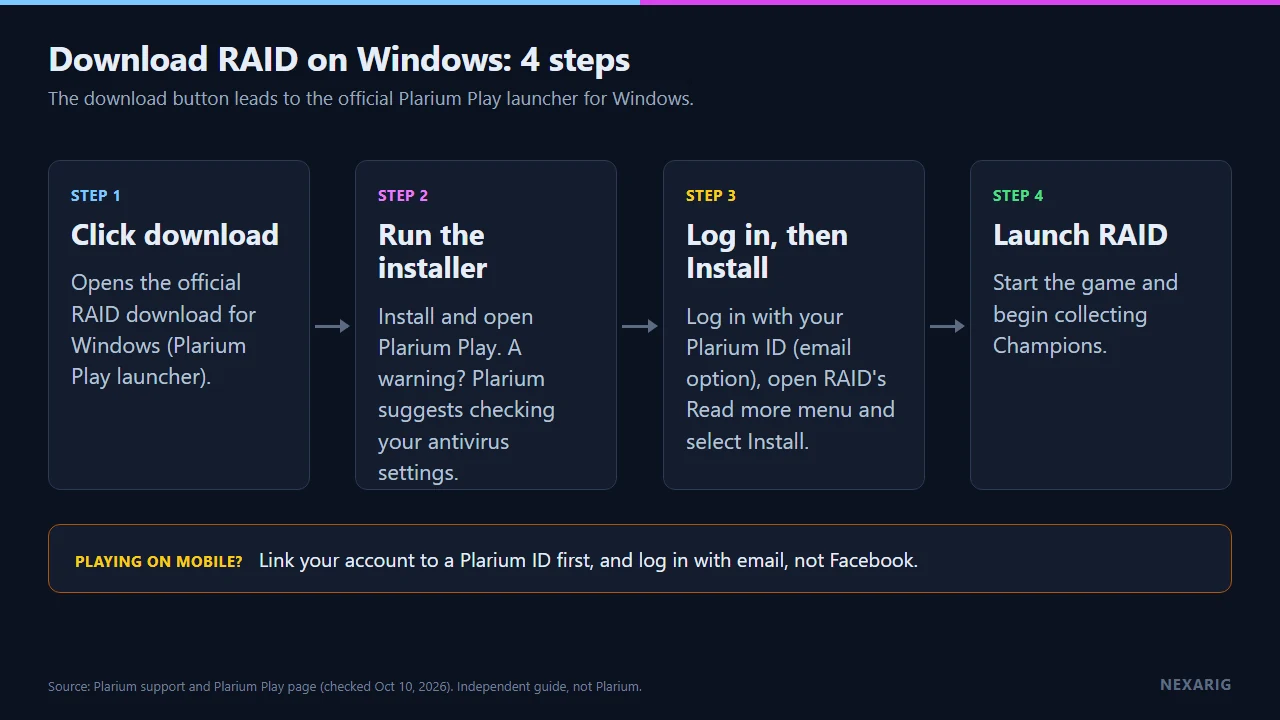
The four steps, drawn by NexaRig from Plarium's support instructions (checked October 10, 2026). Playing on mobile too? Read the phone section below before you log in.
What does the download button open?
The button opens the tracked RAID offer for Windows. In our manual check on October 10, 2026, the tracking page loaded but did not expose its final destination, so verify that the installer page is hosted on a Plarium-controlled domain before continuing. Separately, RAID's official site and the Plarium Play page direct Windows players to the Plarium Play launcher. RAID installs from inside that launcher, which is why step 2 involves a launcher and not a game file. If your security software raises a warning, Plarium's own advice is to check your antivirus settings.
Steam or the launcher?
RAID is also on Steam, where it arrived on January 9, 2024. This guide explains the Plarium Play installation path; the tracked offer is for Windows, but its final destination may vary.
What your PC needs
RAID: Shadow Legends needs Windows 10 version 21H1 or newer and 8 GB of RAM, according to Plarium's support page (edited July 29, 2026). The full list:
| Part | Plarium lists |
|---|---|
| Operating system | Windows 10 version 21H1 (build 19043) or newer |
| Processor | x86 or x64 with SSE2 support, or Arm64 |
| Graphics | DX10, DX11, DX12 or Vulkan-capable GPU, with drivers supported by the hardware vendor |
| Memory | 8 GB of RAM |
The page does not list a storage figure. For reference, the Steam page lists 5 GB of storage at minimum and 8 GB recommended. Treat these as requirements, not a performance promise.
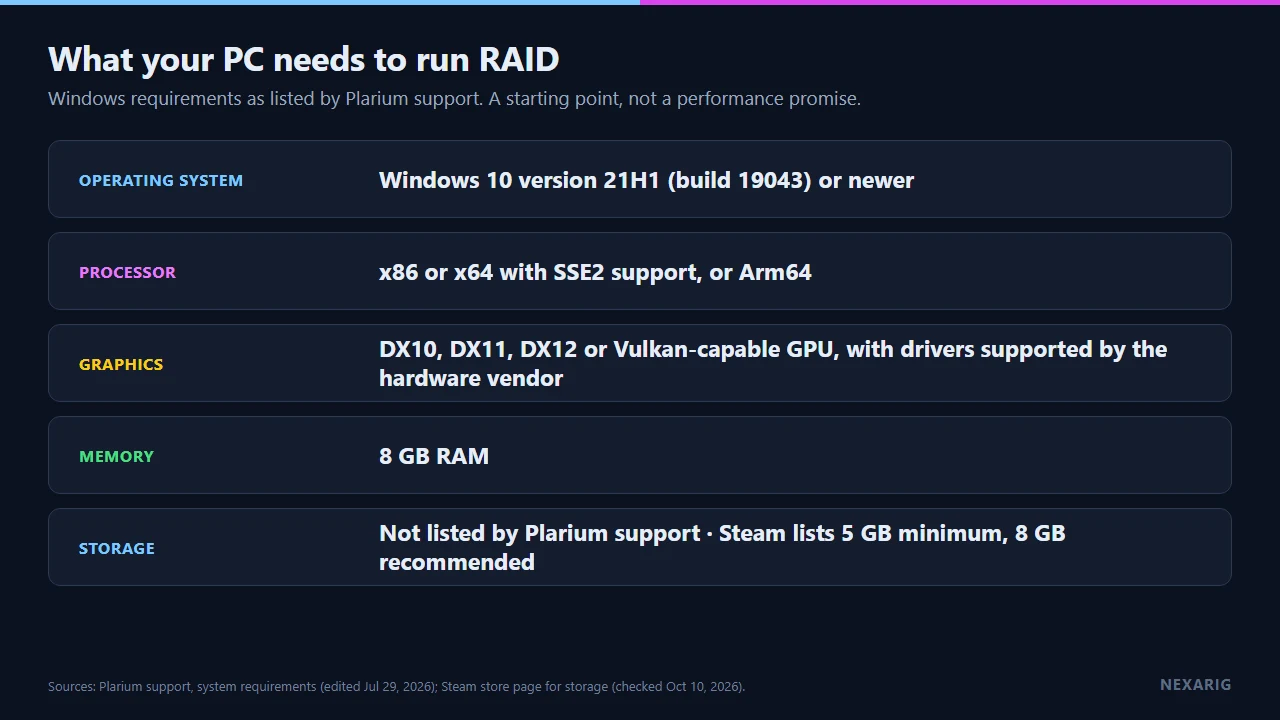
Requirements as listed by Plarium support, with Steam's storage figures for reference (checked October 10, 2026).
Is RAID: Shadow Legends free on PC?
Yes: RAID: Shadow Legends is free to download, install and play on PC. What is optional is spending. Plarium's pages disclose in-game purchases that include random items, and the App Store also lists optional subscriptions. The German Google Play listing flags "Erhöhte Kaufanreize" (increased purchase incentives), as of October 2026.
| Free | Optional | |
|---|---|---|
| Download and install | Yes | |
| Playing the game | Yes | |
| In-game purchases | Yes, including random items | |
| Subscriptions | Listed on the App Store |
The simple rule: decide on a budget before you open the shop. Zero is a perfectly good budget, and it costs you nothing to find out whether you enjoy the game first.
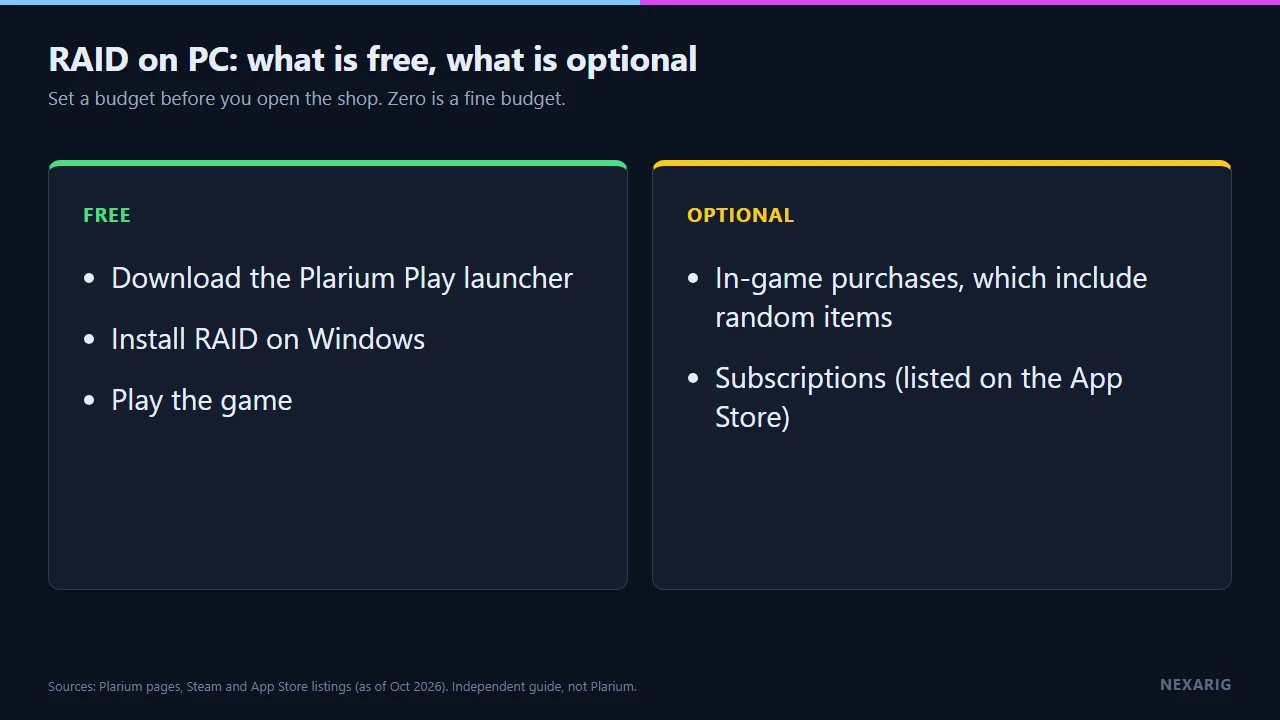
What is free and what is optional, from Plarium's pages and store listings (as of October 2026).
What you do once it's installed
Plarium's page lists a story Campaign among the game's modes, where battles earn gear, and a roster of 900+ Champions to collect (according to Plarium). The pleasure of RAID is in the collecting and the planning. You gather Champions, shape them with gear, Masteries and Blessings, and send the squad into battle. Combat is turn-based: on each Champion's turn you pick one of its skills, so preparation counts for more than quick fingers. Plarium says the game first launched on mobile in 2019.
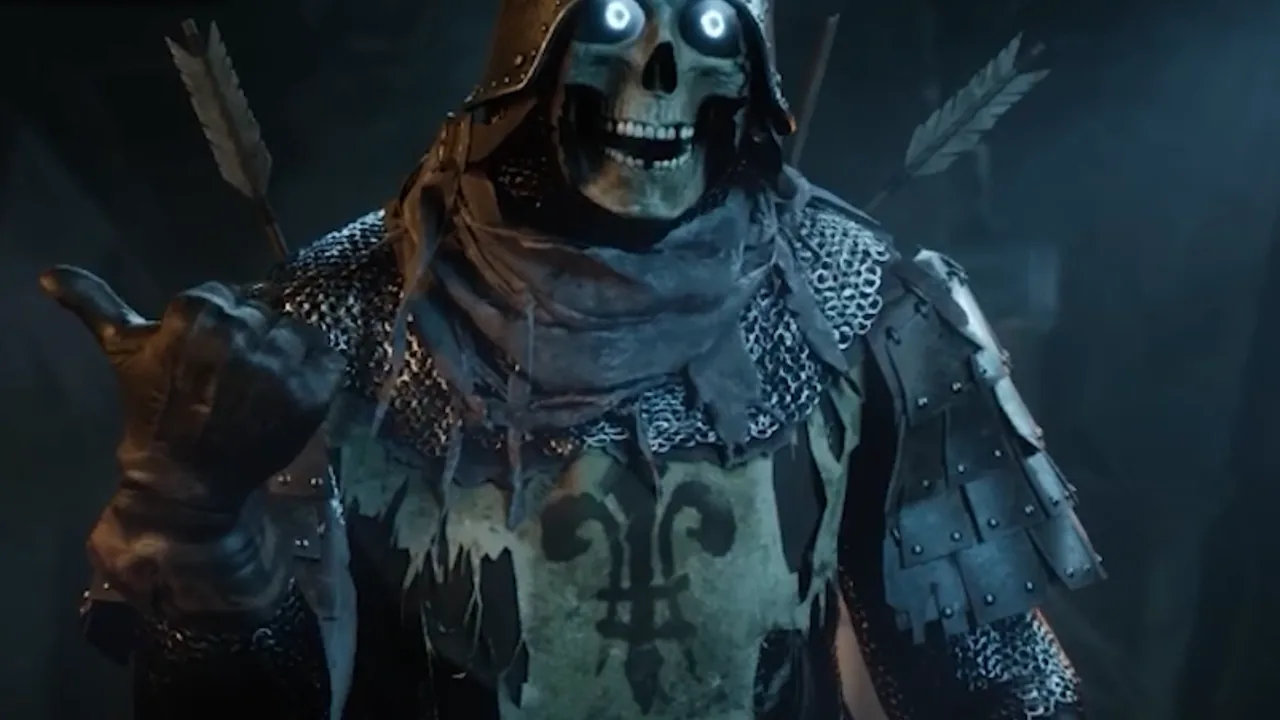
Official Plarium promo footage.
The same squad can go into many modes. The Steam page counts eight game modes, three of them PvP, including a real-time Live Arena. Plarium's page names a story Campaign, Dungeons such as the Fire Knight's Castle and Dragon's Lair, the Doom Tower, clan content including the Hydra and Siege, and the PvP Arena. Here is our reading of that list, not an official progression path:
- Campaign: story battles earn gear.
- Gear and Masteries: they make your Champions stronger.
- Dungeons and clan content: tougher PvE challenges for that team.
- Arena: PvP shows how your team holds up against other players.
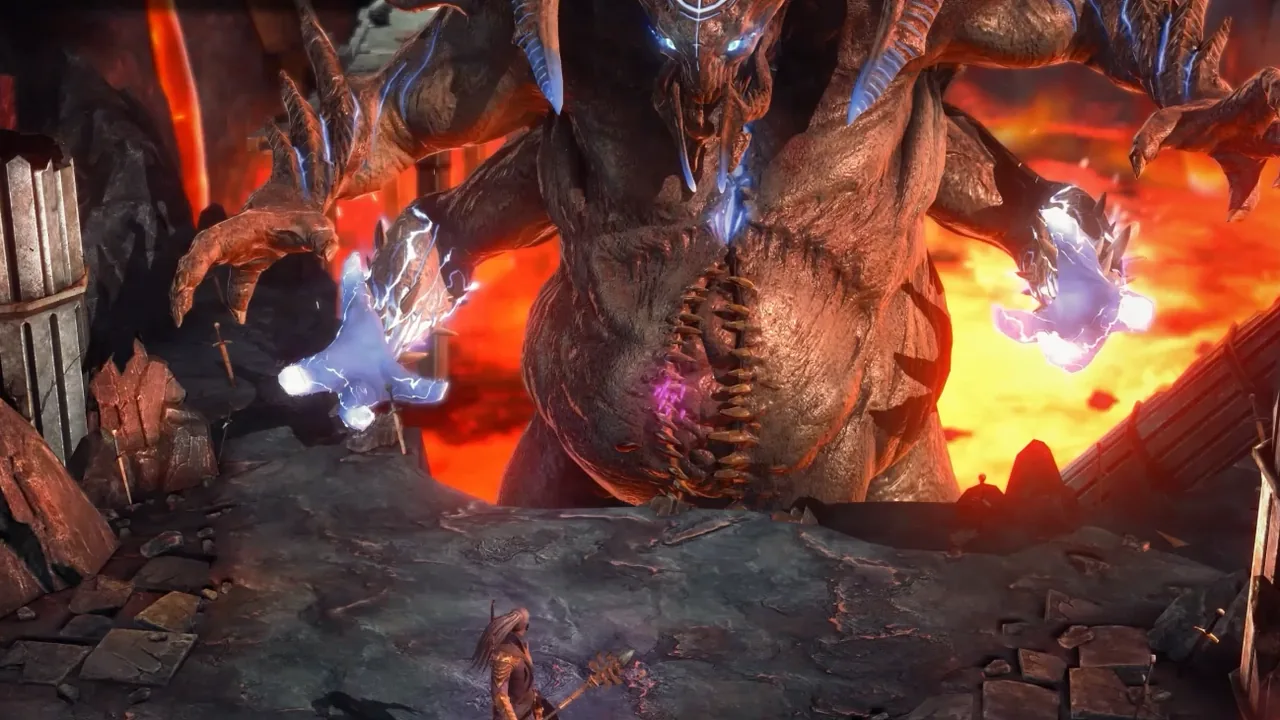
The Clan Boss, as shown in an official Plarium promo video.
Is RAID worth it? Who it's for
RAID rewards players who enjoy collecting and planning, and it is easy to try. This table shows what it offers and who may prefer something else.
| You want | RAID offers | Better to look elsewhere if |
|---|---|---|
| A big character collection | 900+ Champions, according to Plarium | You prefer a small, fixed cast |
| Strategy over reaction speed | Turn-based battles built on team, gear and skills | You want real-time action |
| Long-term goals | Online modes and ongoing progression | You want a short, offline story |
| Free entry | Free to install, with optional in-game purchases | You would rather not face a shop at all |
Public ratings differ by platform, so here are both, as of October 10, 2026 (they change daily). Apple's US App Store shows 4.7 out of 5 from more than 500,000 ratings on iOS. On Steam, user reviews are rated Mixed, about 61% positive across 2,798 reviews. Plarium says the game has been downloaded more than 100 million times across all platforms (publisher figure).
Keep your phone progress on PC
If you already play RAID on mobile, link that account to a Plarium ID first. Plarium's support says that if you start RAID in Plarium Play before linking, a new profile is created and your mobile progress cannot be attached to it later. When you log in on PC, choose the email option. Plarium says not to choose Facebook, even if your mobile account is also linked to Facebook.
The verdict
If collecting Champions and planning turn-based battles sounds like your kind of game, this is an easy one to try: the download is free and the install takes four steps. Set your spending limit before you open the shop (zero counts), and you stay in control. Download RAID, install it, and see whether the first Champions you collect make you want more.
Good to know
- Not tested here: how RAID runs on your own PC, how quickly non-paying players progress, how often offers appear, and how active clans and PvP are in your region.
- Things that change: features, offers, requirements and ratings can change after October 10, 2026.
- Age ratings (as of October 2026): USK 12 on the Microsoft Store, while Steam shows its own "16" rating and PEGI 16.
- Champion counts: Plarium says 900+, while the Steam page shows 800+.
- Requirements: Plarium's support page and the Steam page word them differently, and Plarium also lists macOS. Check the current version before installing.
FAQ
How do I download RAID: Shadow Legends on PC?
Use the download button on this page and follow the four steps above. After you log in to Plarium Play, open RAID's Read more menu and select Install.
Is RAID: Shadow Legends free on PC?
Yes. It is free to download, install and play on Windows PC, with optional in-game purchases that include random items.
What PC do I need to install RAID?
Plarium's support page lists Windows 10 version 21H1 or newer, an x86, x64 or Arm64 processor, a DX10 to DX12 or Vulkan-capable GPU and 8 GB of RAM. It does not list a storage figure.
Is RAID available in German?
Yes. German is among the supported languages listed for RAID on Steam and the App Store (as of October 2026). Plarium does not list languages for the Windows launcher on the pages we checked.
Will my mobile progress carry over to PC?
Yes, if you link your mobile account to a Plarium ID before your first PC launch and log in with the same ID using the email option. Starting RAID in Plarium Play first creates a new profile.
Is RAID worth it?
It suits players who like collecting Champions and planning turn-based fights, and who are comfortable setting a spending limit. If that sounds like you, the download is free, so you can see for yourself whether the first Champions hook you.